 C1Titles
Artist directory → ASIA2TV ARTIST STORY
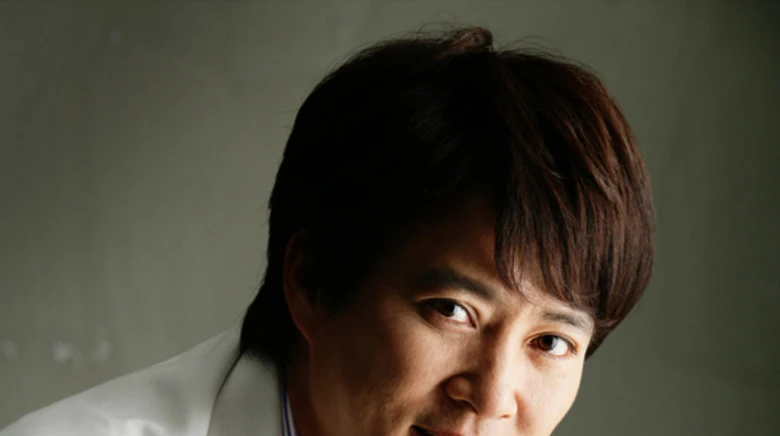
Choi Soo-Jong
تشوي سو جونغ
South Korea Actor 1
His first appearance was in 1987 as a young actor in the screen opera Love Tree. He has appeared in films, series, and television, and has appeared as a presenter at various award ceremonies. He has received international recognition for his successful roles in several shows, and he received distinguished praise and criticism fo…
Read full biography +
His first appearance was in 1987 as a young actor in the screen opera Love Tree. He has appeared in films, series, and television, and has appeared as a presenter at various award ceremonies. He has received international recognition for his successful roles in several shows, and he received distinguished praise and criticism for his main role as Jang Bogo in the wonderful historical series Emperor Of The Sea. Likewise with his penultimate series in which he played the role of Dae Joyoung in the historical epic series The Emperor Dae Jo Yeong. When reflecting on his more than 20 years of acting, Choi Soo Jung said, “To be an actor, fame is short, and acting is long.” Throughout his career, he has tried to be complete and wise. He has discussed widely with the media about his devotion to his wife and his dedication to playing the role of a father, even though he wants to maintain the privacy of his family. He has also discussed his commitment to cleaning the house, and he also talked about living, exercising regularly, and eating a healthy diet. Despite his advanced age, Shui still chooses historical roles that require horse riding, sword fighting, and exposure to high temperatures. His youthful appearance and physical fitness allow Shui to play roles much younger than his actual age.
On-screen career
1 titleChoi Soo-Jong titles
Explore the artist's journey from newest to oldest.
 Series▶
Actor
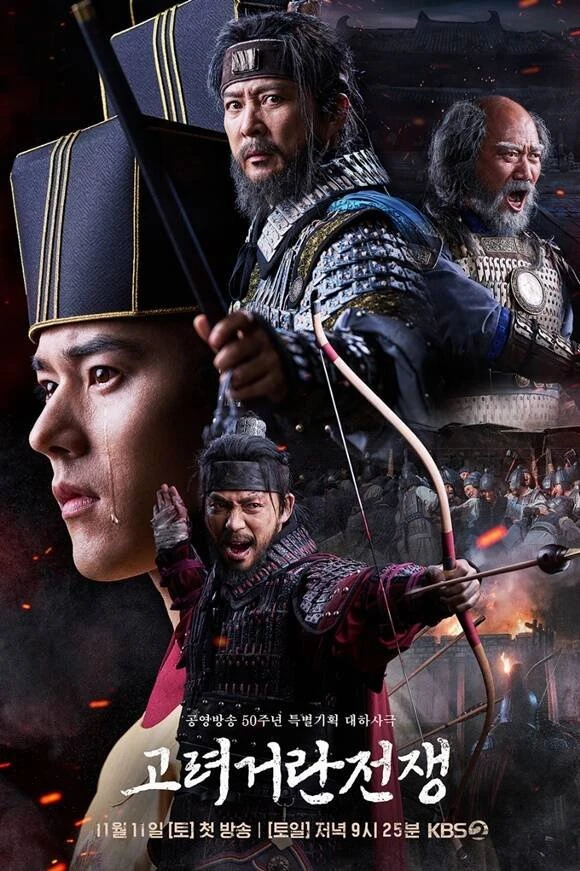
Goryeo-Khitan War
حرب غوريو وكيتان
As: Character details unavailable